AICodeKing

164 reviewed videos with editorial summaries and key takeaways.

Visit the channel on YouTube

Videos

Showing 121–140 of 164 videos

Clear filters
  1. An off-white code sheet within an open blue protective enclosure above the blue and white headline Code Meets Privacy on black.
  2. Blue AGENT and white TEAMS headline beside four flat puzzle-piece teammates against a black background.
  3. Three flat geometric page layouts against a black background beside the blue-and-white headline "DESIGN VARIETY".
  4. Blue-and-white DIVIDE THE WORK headline on the left and three separate rows of connected task blocks on the right against black, with no people.
  5. A flat blue-and-grey settings-slider illustration on black beside the blue-and-white headline “Configure Agent Controls”.
    Configuring Cline in VS Code and the CLI
    7m 10s1 VIEW
  6. Flat overlapping-file illustration on a black background with the blue and white headline "MUSE SPARK FILE COLLISIONS".
  7. Blue-and-white headline GROK'S AGENT COMEBACK beside a simple flat branching upward arrow on a black background.
  8. One flat blue wrench with an off-white open end on the right beside the blue and white headline AGENTS VS UI against black.
  9. A flat white checkmark between two blue code brackets above the blue and white headline "TEST THE WHOLE HARNESS" on black.
  10. Blue and white text "CLAIMS NEED A TEST" beside a large blue checkmark over an off-white square on black.
  11. A flat open-gate and limited-path illustration beside the blue and white headline Free Model Trials Real Limits on black.
  12. A flat speech-bubble illustration beside the blue and white headline Fewer Tokens Same Reasoning? on black.
  13. Flat code brackets and a laptop surround the words LOCAL AI CODING.
  14. Flat connected code icons surround the words CODING AGENT TEAMS.
  15. Flat code brackets and branching arrows accompany the words AI CODING WORKFLOW on black.
  16. Blue and white code brackets and a chart beside the words SONNET CODE TESTS on black.
  17. Blue code brackets and model nodes beside the words LONGCAT CODE TEST on black.
  18. Blue code brackets and a white checkmark beside the words CODE WORKFLOW on black.
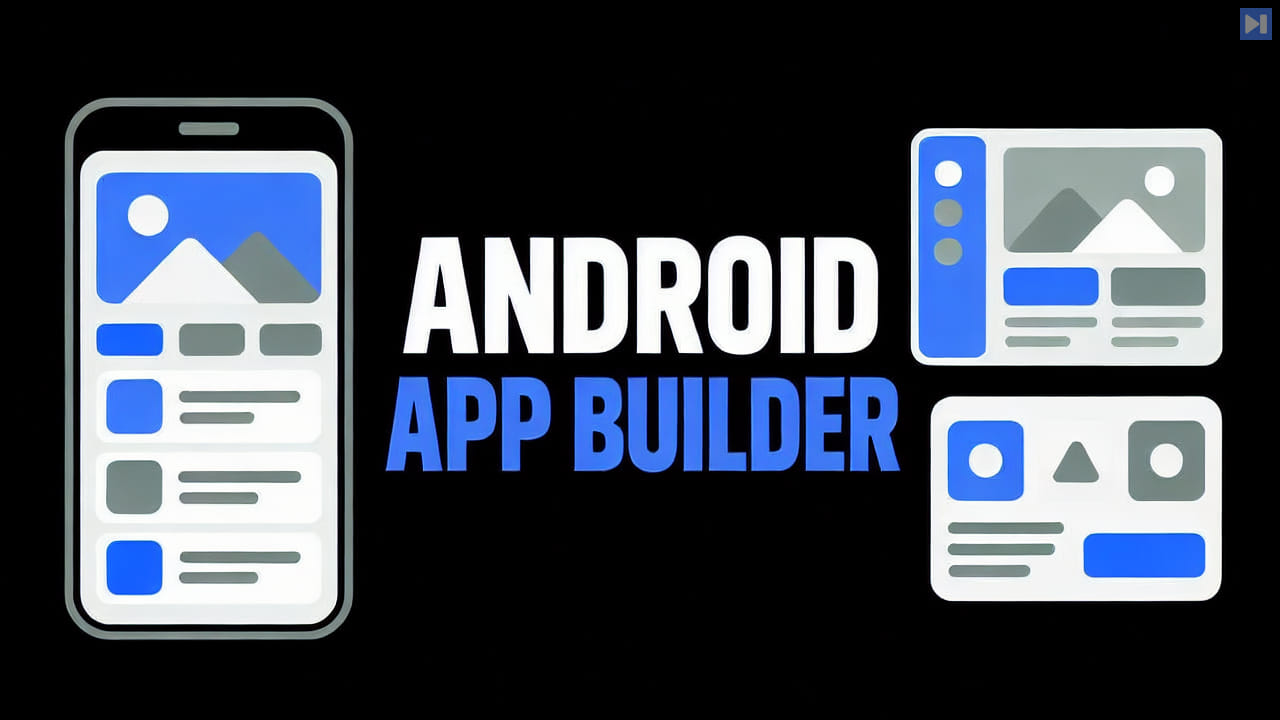
  19. An illustrated Android app screen and two alternate interface layouts on a black background.
  20. An illustrated model evaluation gauge beneath the words GPT-5.6 Preview on black.