AICodeKing walks through building a fictional mountain-retreat website with a large photographic opening, a cabin gallery and a booking drawer. The tutorial emphasizes a concrete audience and task brief, annotated visual references and a rough layout sketch rather than a vague request for a premium-looking page.
The first pass establishes the hero and shared design rules before adding other sections. The presenter recommends checking the actual browser result at desktop and phone widths, attaching the affected element or screenshot, and asking for a specific correction that preserves the approved direction.
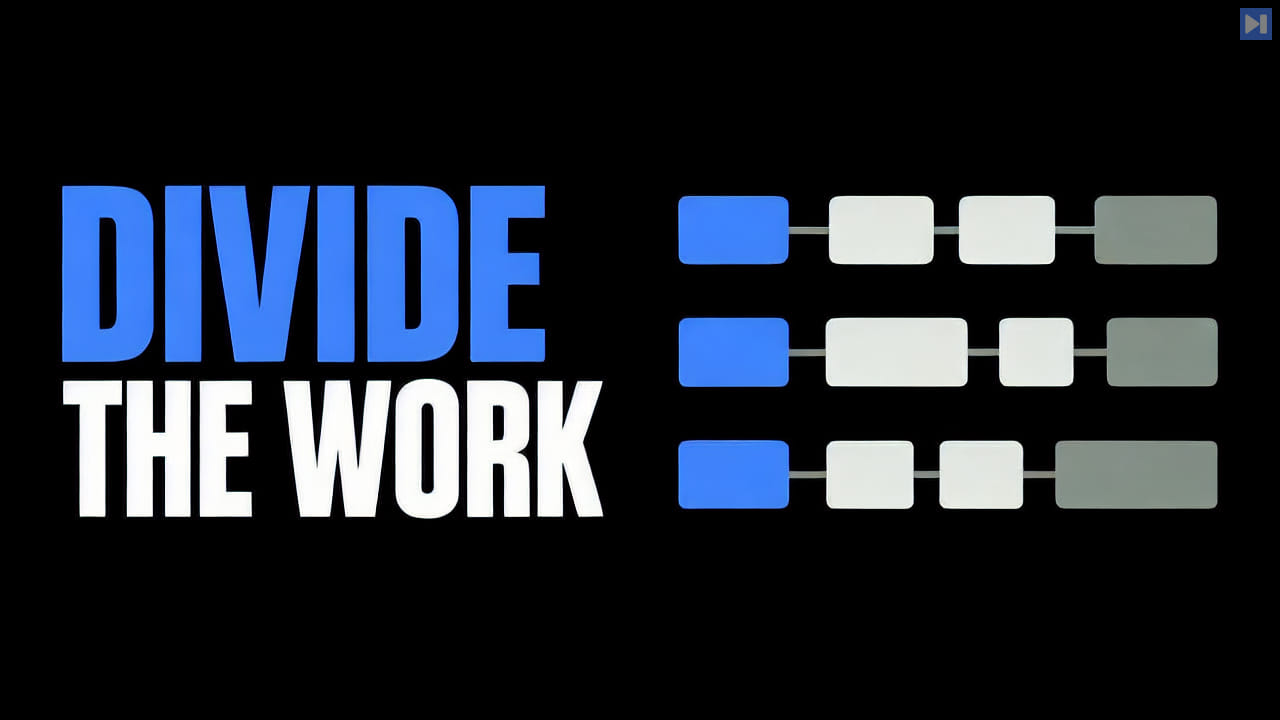
For parallel work, the example separates gallery and booking components while keeping shared layout and design tokens under one architect. The booking demo includes labeled fields, validation, Escape-to-close behavior and focus returning to its trigger, with no invented real availability.
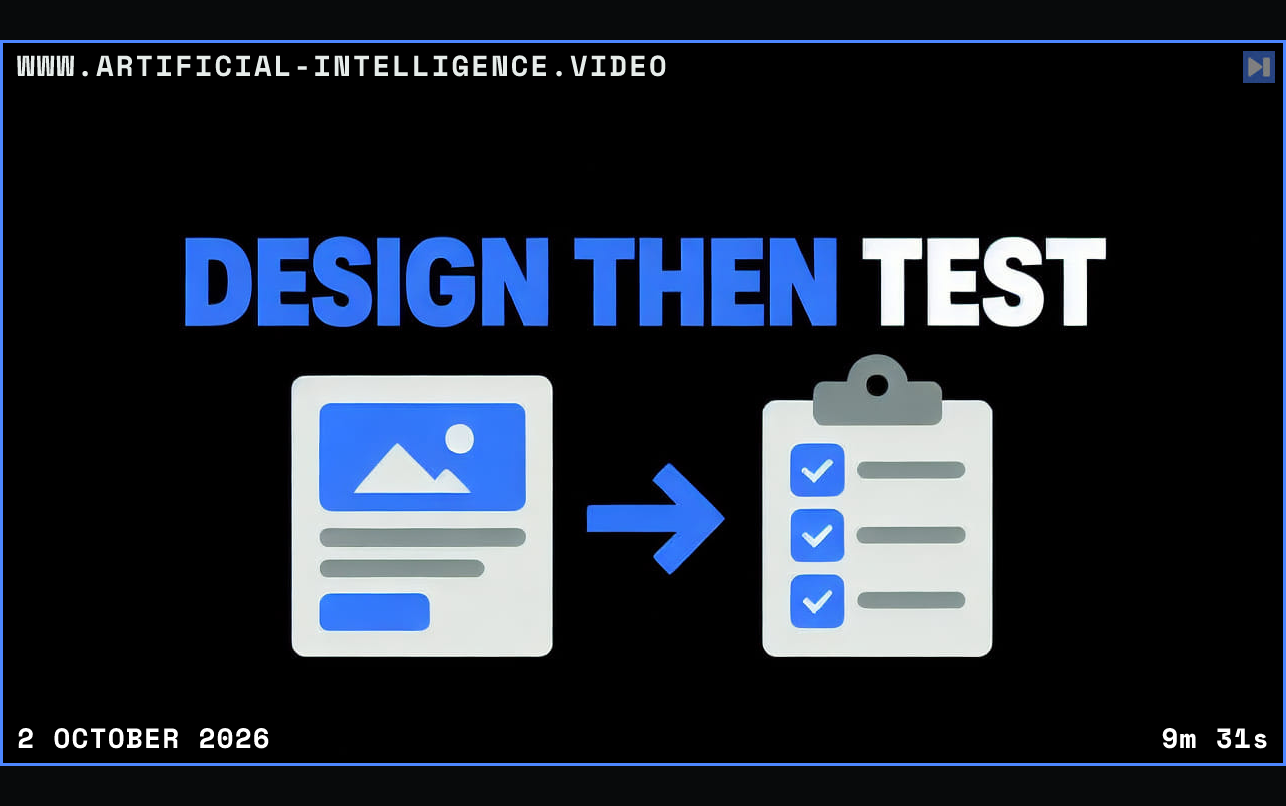
The closing review covers responsive layout, keyboard interaction, valid and invalid submissions, console errors and the changed-file diff. An alternative provider route is presented within account-specific limits; the video cautions that free allowances are not unlimited and that previews loading successfully are only the beginning of testing.
 Watch on YouTube