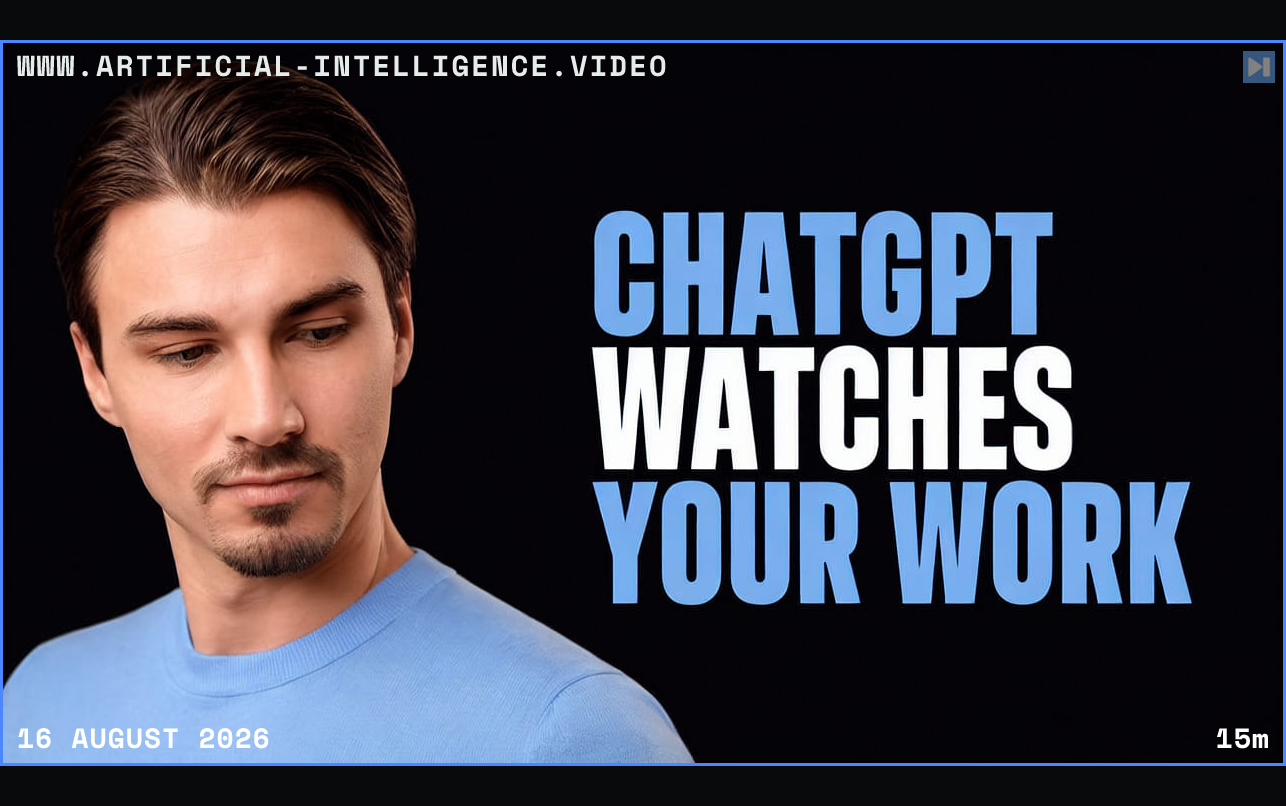
Pogany enables computer history in the ChatGPT desktop app and lets it observe a sequence of ordinary work. He then asks what he has been doing and receives a concise account of the visible activity. The feature can use that history as context without requiring the user to narrate every preceding step manually.
He demonstrates a more practical workflow by asking ChatGPT to reconstruct a task from the observed sequence and turn the process into a reusable skill. The result suggests a path from passive context capture to automation: identify repeated behavior, describe the steps, and package them so the agent can help perform similar work later.
The same capability creates an unusually sensitive data boundary. Pogany recommends restricting the apps ChatGPT may observe, reviewing when recording is active, and considering whether other people or confidential information may appear on screen. He contrasts this with more isolated agent environments, where work happens inside a sandbox instead of watching the user's full desktop.
 Watch on YouTube