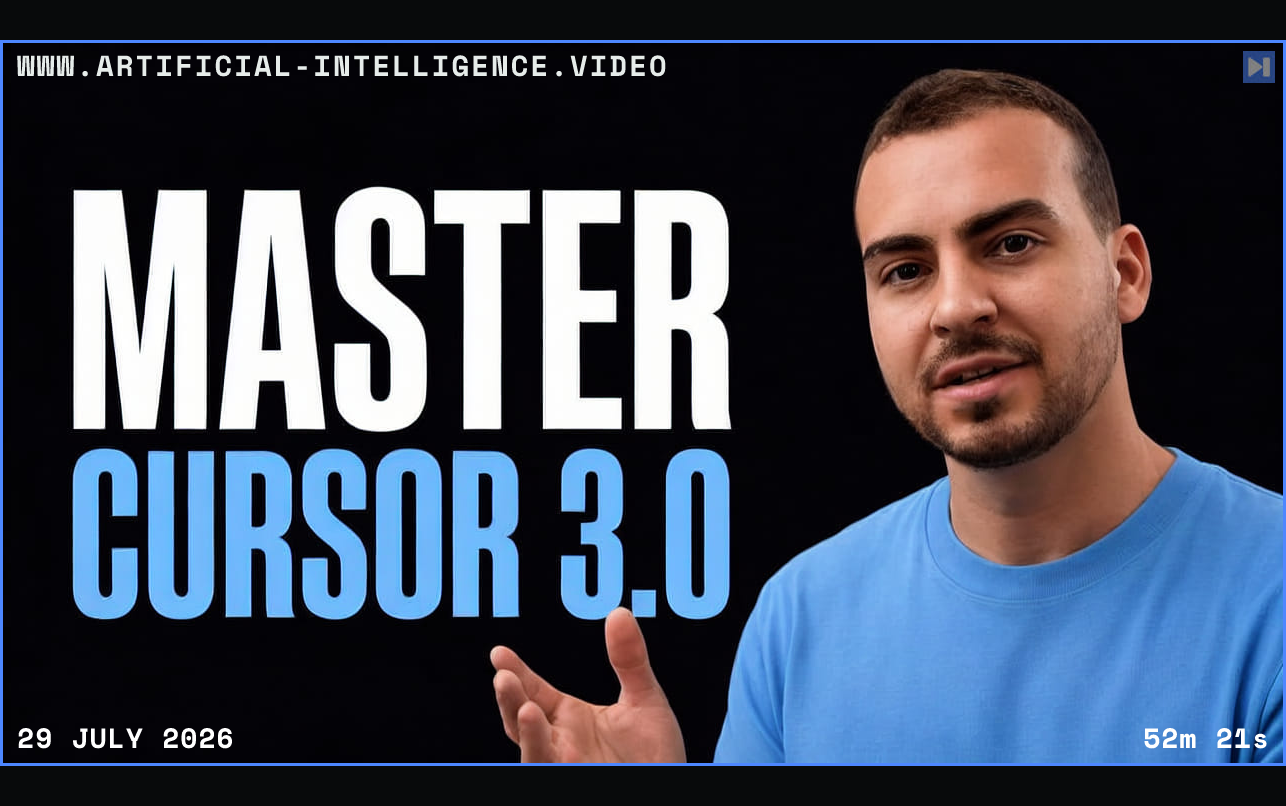
Tim Ruscica starts with Cursor as a complete code editor rather than a standalone chat tool. He explains installation, project creation, model selection and the difference between direct edits, inline generation and agent-driven changes.
The course then develops a repeatable workflow around planning, supplying relevant context, reviewing diffs and using rules to keep project conventions available across sessions. Tim also demonstrates side chats, subagents and cloud tasks for work that can proceed independently.
Advanced sections cover MCP servers, external tool connections and practical safeguards for accepting generated code. The sponsored material is omitted from this summary, while the instructional comparison between Cursor, Claude Code and Codex is retained.
 Watch on YouTube