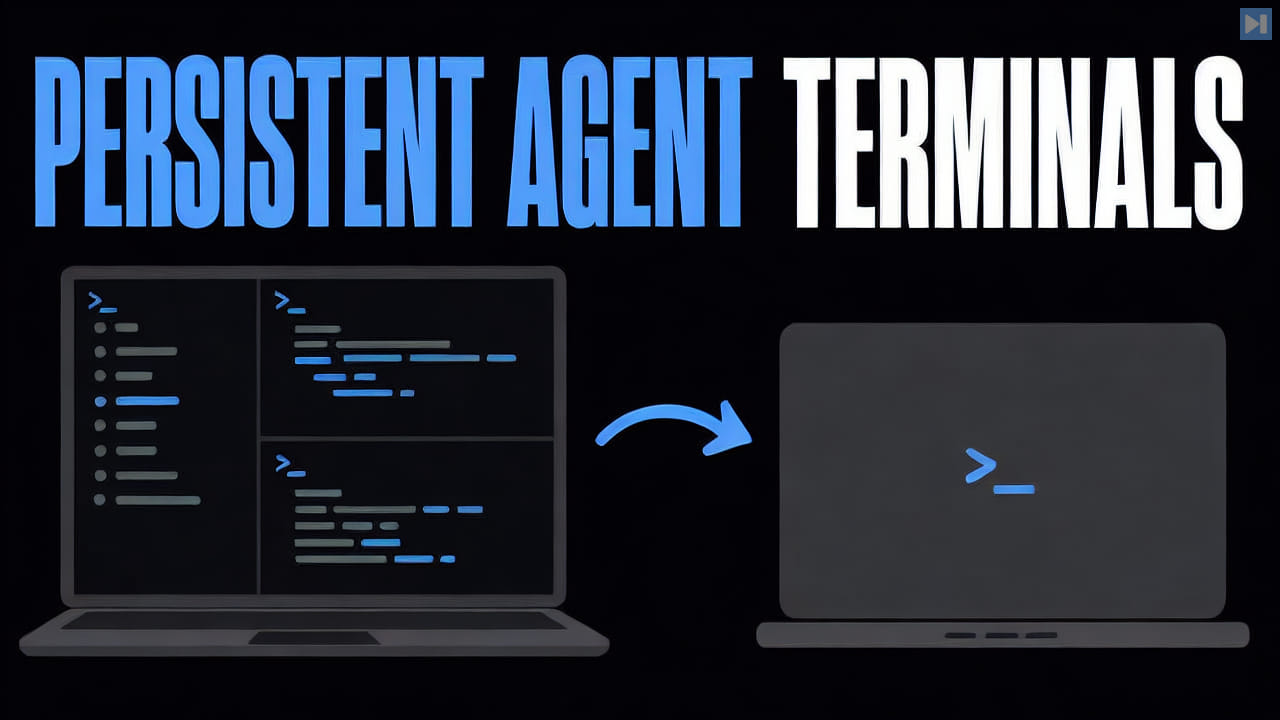
A terminal workspace groups shells and command-line programs so users can keep related work together. It may provide named spaces, tabs, split panes, saved layouts, process status, and restoration after an application or device restarts.
For agentic development, the workspace can separate several coding-agent sessions while keeping supporting servers and logs nearby. It organizes execution surfaces but should not be confused with the model, repository, permissions, or provider session that powers each agent.
ELI5
A terminal workspace is an organized home for several command-line windows that belong to the same job. It can name them, arrange them into tabs or panes, and keep their state together so the user does not have to rebuild the layout each time.
For example, one workspace might contain a coding agent, a development server, and a test watcher. Reopening that workspace can bring the related terminals back into view while keeping another project's commands separate.
How is a terminal workspace different from one terminal window?
A workspace manages a group of related sessions and layouts, while one terminal window usually exposes only one shell or one arrangement at a time.
Can a terminal workspace preserve running processes?
Some workspaces keep sessions on a background service so processes survive the interface closing. The exact behavior depends on the product and whether the computer itself remains available.