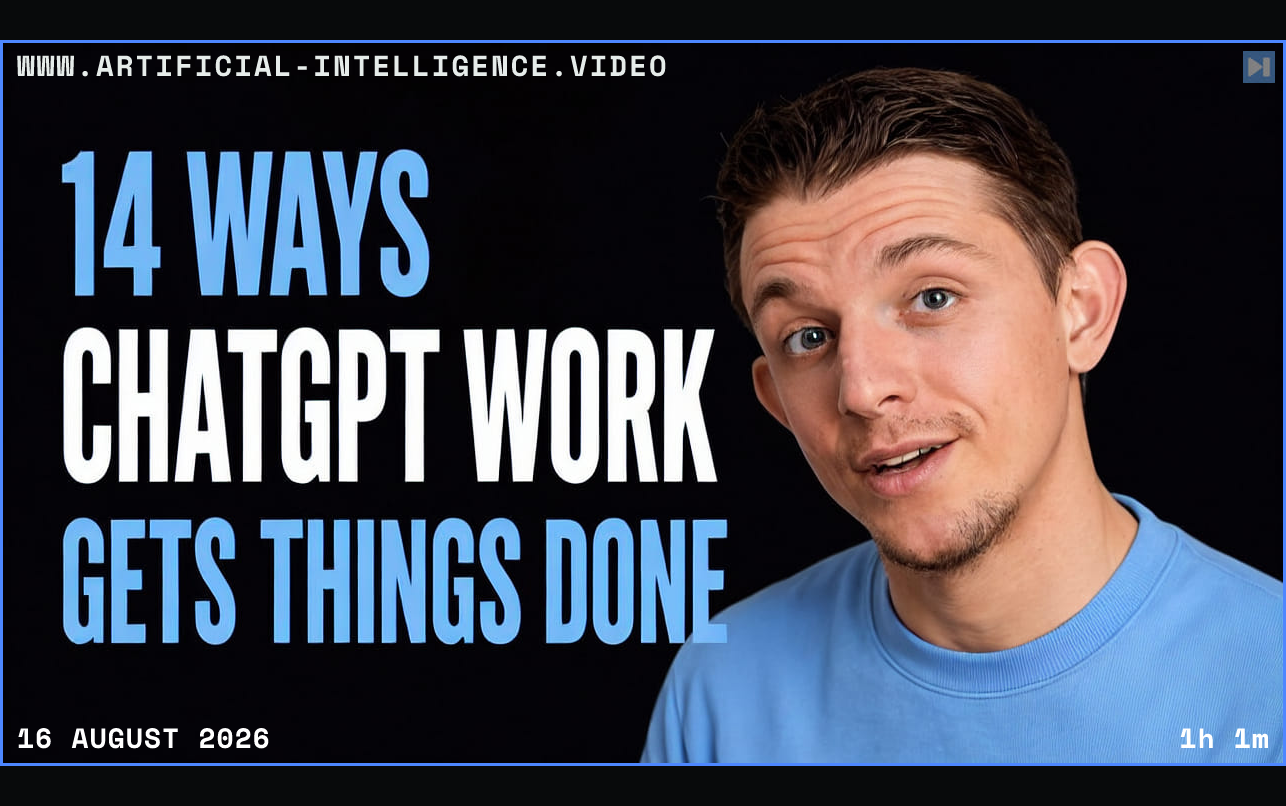
Brown begins with reports and documents, showing how ChatGPT Work researches sources, creates slide decks, PDFs, documents, and spreadsheets, then accepts iterative edits through text or voice. Connected plugins extend the same chat into Gmail, Notion, calendars, Google Drive, Canva, and other services, allowing one workflow to gather information, update records, and send or schedule follow-ups.
The guide covers editable text blocks, Mermaid diagrams, public sites, inline image editing, chat branching, and the distinction between cloud and local execution. Cloud work can continue across web, desktop, and mobile without leaving a computer running. Local work can access files, desktop applications, browser sessions, and locally installed skills, while asking for more permissions than the broader Codex environment.
Brown also demonstrates desktop voice mode, mobile voice control of a remote desktop session, an in-app browser, reusable skills, recurring automations, researched spreadsheets, and several parallel work sessions. His practical recommendation is to choose cloud tasks for cross-device or scheduled work and local tasks when the agent needs the computer's files, browser state, or application context.
 Watch on YouTube