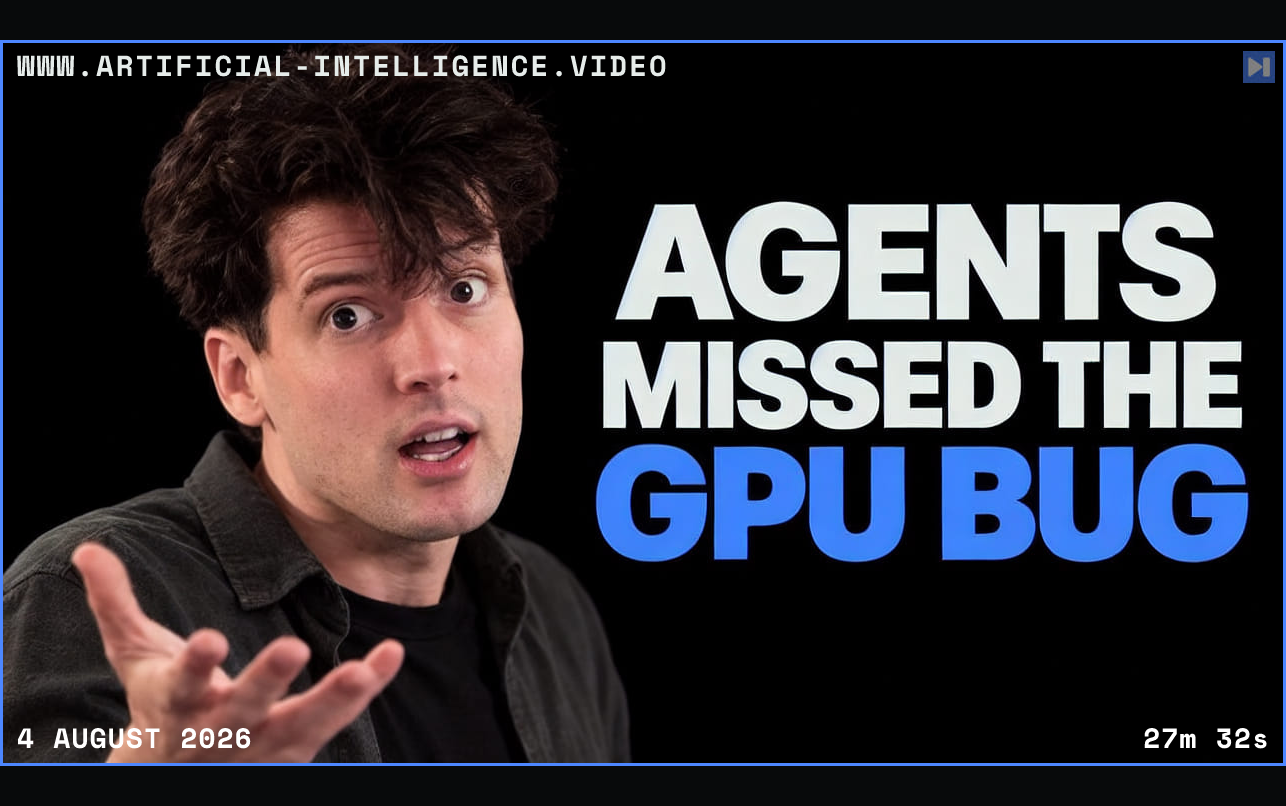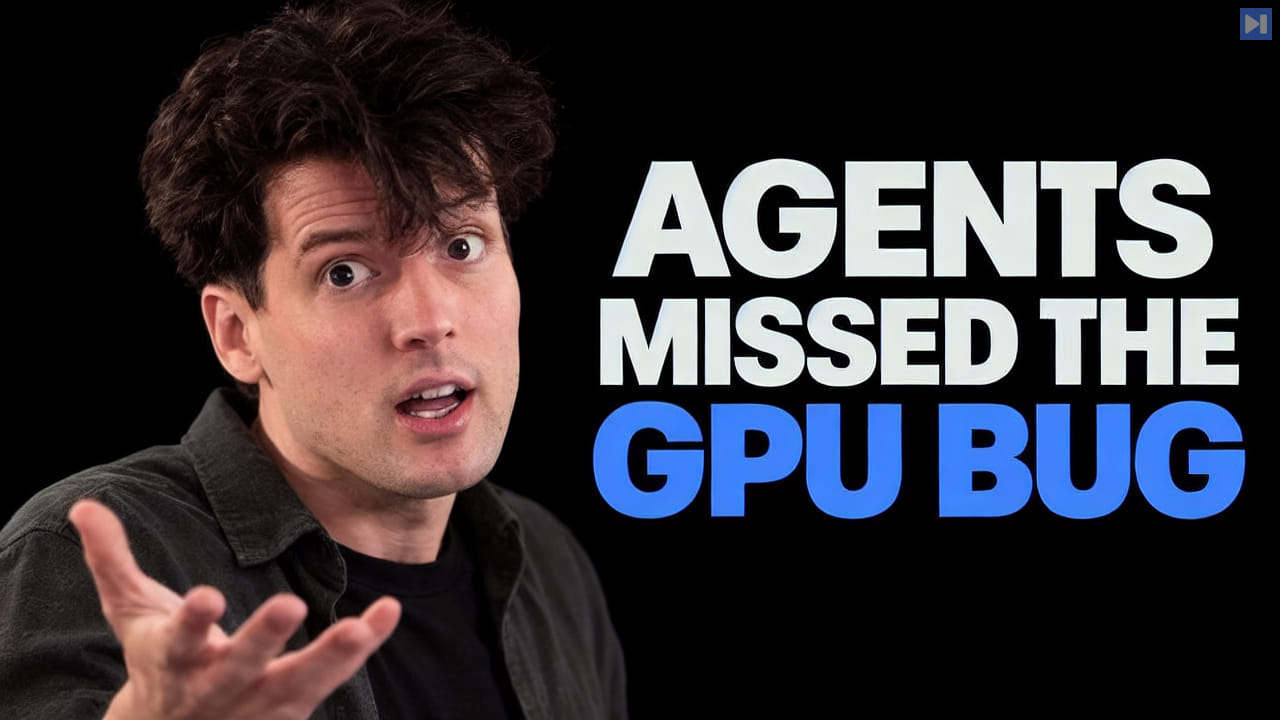
The presenter investigates high CPU use in the browser's GPU process while T3 Code appears responsive. An initial Codex-generated rewrite focused on WebSocket updates and React work but did not meaningfully improve the problem. A single-tab browser check and process-level readings shifted attention from JavaScript and network activity toward rendering and CSS.
Instead of asking an agent to guess the fix, the presenter has it build console controls for switching visual effects off and on. Turning off all suspect effects sharply reduces the reported process load, and repeated resets reproduce the increase. Narrower tests identify persistent animations, especially pulsing status icons, as a major contributor. The presenter distinguishes these measurements from a full GPU utilization reading and notes that developer tools can change performance characteristics.
A later Fable-assisted inventory surfaces more CSS effects, including a noise layer and backdrop blur that interact with ongoing animation. The agent's proposed visual fixes create color mismatches, so the presenter adjusts the interface manually while keeping the performance gain. A later apparent regression comes from other open browser tabs, underlining the need to isolate the measured process before drawing conclusions.
The main lesson is a division of labor: coding agents quickly searched the codebase and built experimental controls, while the presenter supplied hypotheses, checked the results and chose a usable design. The video offers a detailed example of where AI coding assistance helps without reliably diagnosing or fixing a complex browser performance issue by itself.
 Watch on YouTube