Igor Pogany Demonstrates ChatGPT in PowerPoint

The AI Advantage5m 45s
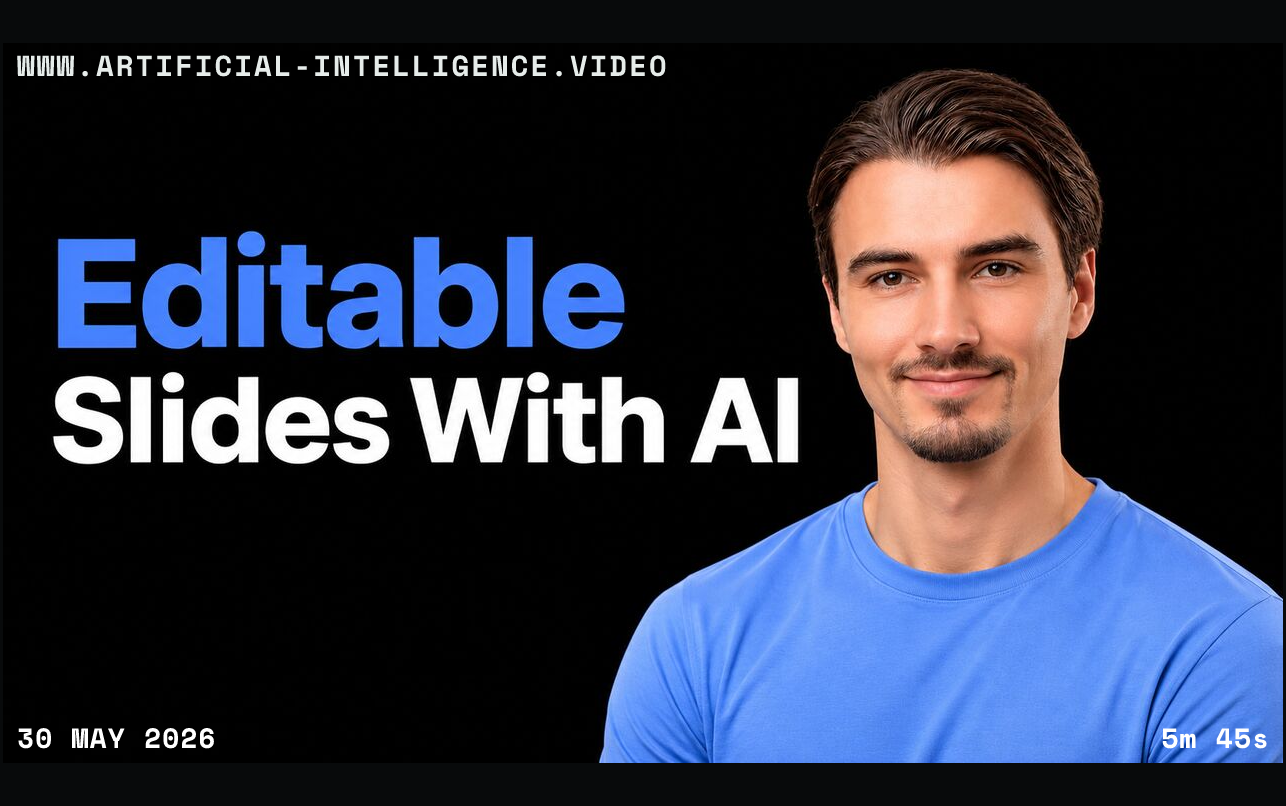
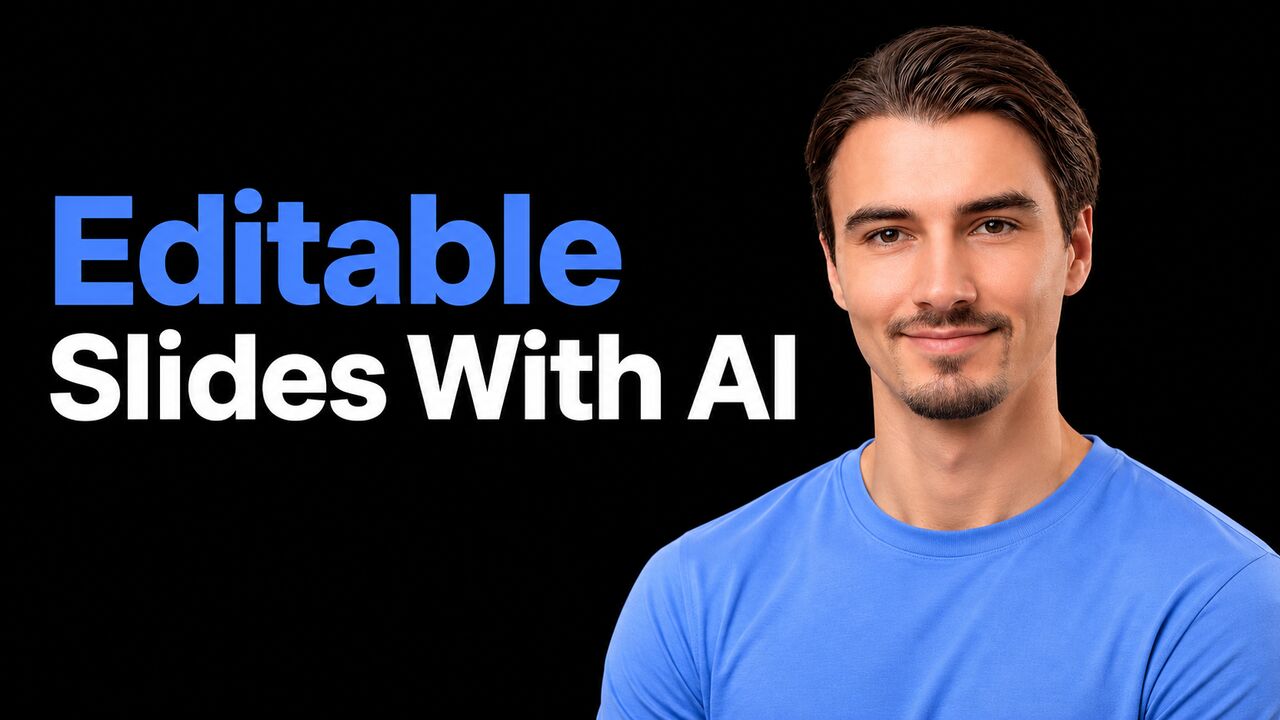
Igor Pogany beside the blue and white headline Editable Slides With AI on black.
0 comments · 0 votesOpen discussionClose discussion
Sign in to join the discussion

    Igor Pogany shows how to install the ChatGPT add-in and use uploaded source material to create editable PowerPoint slides. He demonstrates making changes to native text boxes after generation.

    Igor Pogany then asks the add-in to add a slide, critique a deck and make slide text more conciseAgent tool use lets an agent call bounded external capabilities so it can retrieve information or change state beyond generating a response.. He describes connected sources as a feature dependent on the available plan.

    The presenter notes that complex templates can produce inconsistent results and that generated edits can remove useful content, so a person should review the deck. Pricing and availability are presented as they stood at recording.

    Original YouTube thumbnailWatch on YouTube

    Video topic coverage

    • Agents & workflows62
    • Coding & tools0
    • Models & learning0
    • Infrastructure & compute0
    • Research & evaluation25
    • Safety & security0
    • Business & productivity88
    • Creative & media100
    • Robotics & perception0
    • Society & policy0

    Share this video

    Igor Pogany beside the blue and white headline Editable Slides With AI on black. With WWW.ARTIFICIAL-INTELLIGENCE.VIDEO, 30 May 2026 and duration 5m 45s.

    Igor Pogany demonstrates creating and revising editable PowerPoint slides with the ChatGPT add-in.