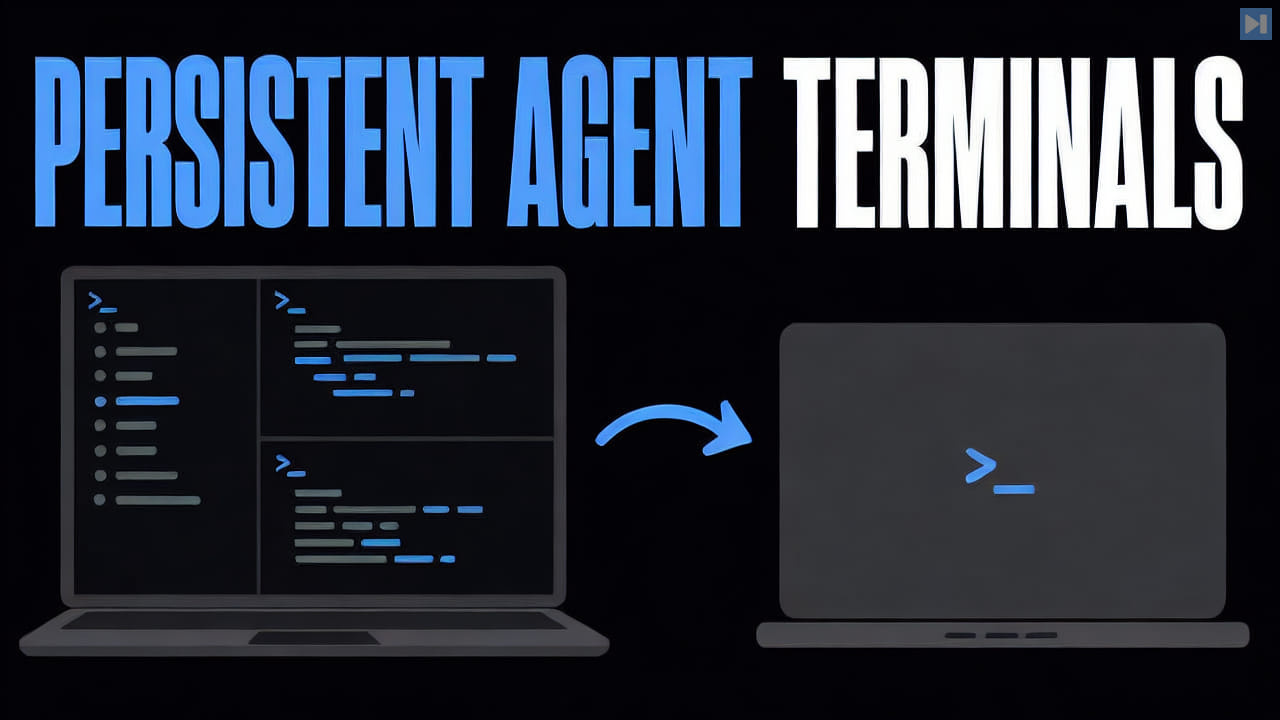
Split panes divide a terminal window horizontally or vertically, with each region attached to its own shell or process. They help users compare logs, run commands beside a server, or monitor several agents without constantly switching windows.
Panes improve visibility but do not isolate files, permissions, or computing resources by themselves. Multiple sessions can still affect the same repository or services, so parallel work needs clear ownership and collision controls.
ELI5
A split-pane terminal divides one window into several smaller terminal areas. Each pane can show a different command or session, letting the user watch related work at the same time.
For example, the left pane might show a coding agent and the right pane a development server started for that task. Seeing both helps with monitoring, but the panes can still touch the same files unless the workspace keeps their work separate.