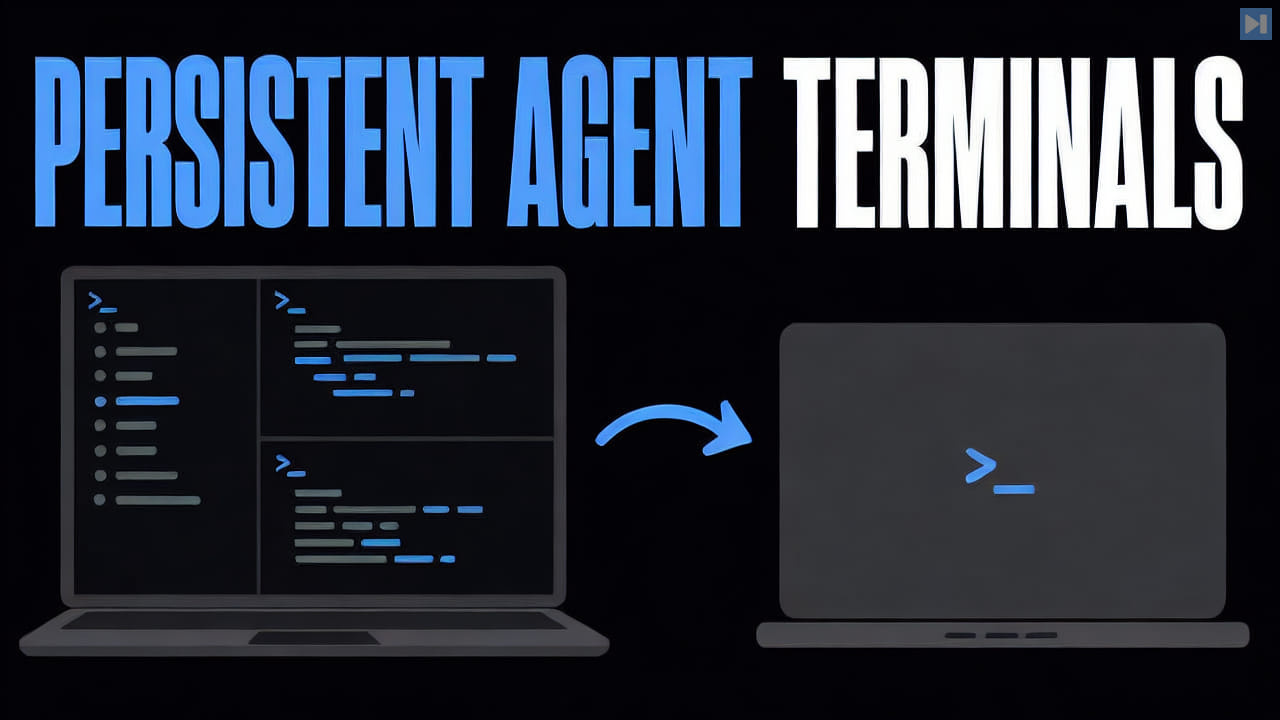
A terminal session begins when a shell or terminal program creates an interactive command environment. It can hold a current directory, environment variables, command history, running foreground or background processes, and the screen output needed to understand what those processes are doing.
Closing a terminal interface often ends or disconnects the session, depending on the system. Session-management software can preserve the underlying process and screen state so a user reconnects later instead of starting a new shell and reconstructing the work.
ELI5
A terminal session is one continuing command-line workspace. It remembers where the shell is working, which commands are running, and what those commands have printed while the session remains alive.
For example, a coding agent may be running in one session and a local server in another. If the sessions persist after the terminal application closes, the developer can reconnect and see the same processes instead of restarting them.